Beyond the Chatbot — Personal AI Automation on Two Macs and One Repo
Beyond the Chatbot — Personal AI Automation on Two Macs and One Repo AI automation isn't asking a chatbot. It's a dawn cron leaving results in a repo. A three-month log of personal AI automation across two Macs and one git repo. Topics: AI, Automation, Tools.
What makes using AI for personal automation different from asking a chatbot?
A chatbot answers when you ask. Automation leaves the results in a repo overnight, without being asked.
For most people AI is a chat window. You type a question, an answer comes back, you close the window, and it’s over. It’s useful, but I have to press start every time. Personal automation is the reverse. While I sleep, at a set hour, an agent runs on its own and leaves the results ready. In the morning I just read them.
So for three months my day has started like this. Overnight a cron pulls together a news brief and the day’s priorities and drops them into a personal repo. I open my laptop, pull them down, and read. I never asked.
So what do you have it do automatically?
Every dawn, unattended crons build a news brief, the day’s priorities, work reports, and three English sentences to memorize, and drop them in the repo.
A few things get built automatically every dawn. A brief that gathers and summarizes news in the areas I follow. A priority list that picks the six things to handle that day out of whatever is in progress. And work reports. The work side scans Jira tickets and builds a daily summary that splits in two: one for me to review, one to report to the CEO. There’s one more small thing I keep up every day. I’m memorizing a whole speech for English practice, so it pulls three sentences from the script each morning.
They have one thing in common. All of them arrive in a form I only have to check. I don’t write the drafts. I only check them. That’s the core of automation. I keep the judgment and hand off the repetition.
Where does the unattended run happen, even with the laptop closed?
On a separate Mac left on all the time, by cron. The interactive work happens on a different Mac.
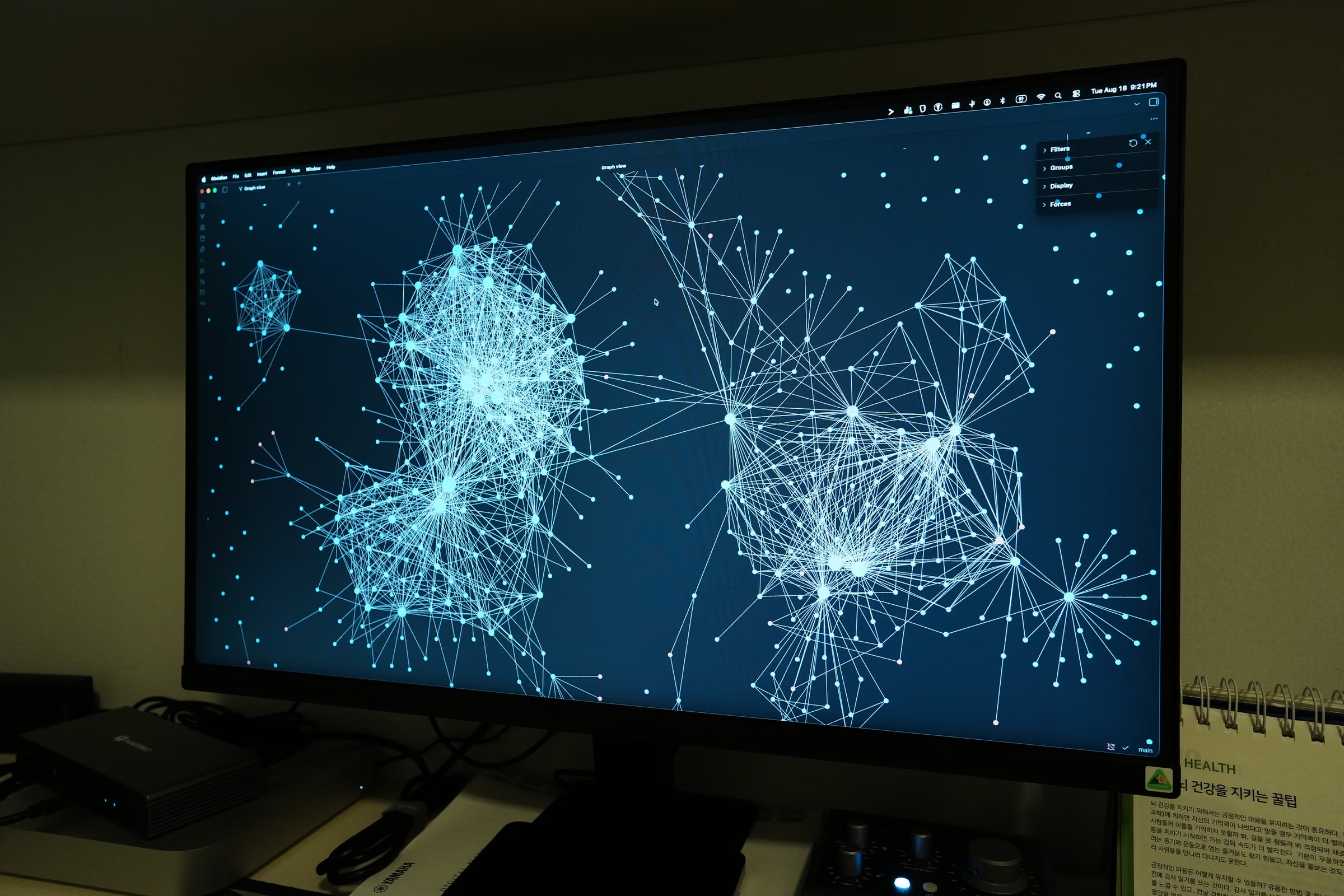
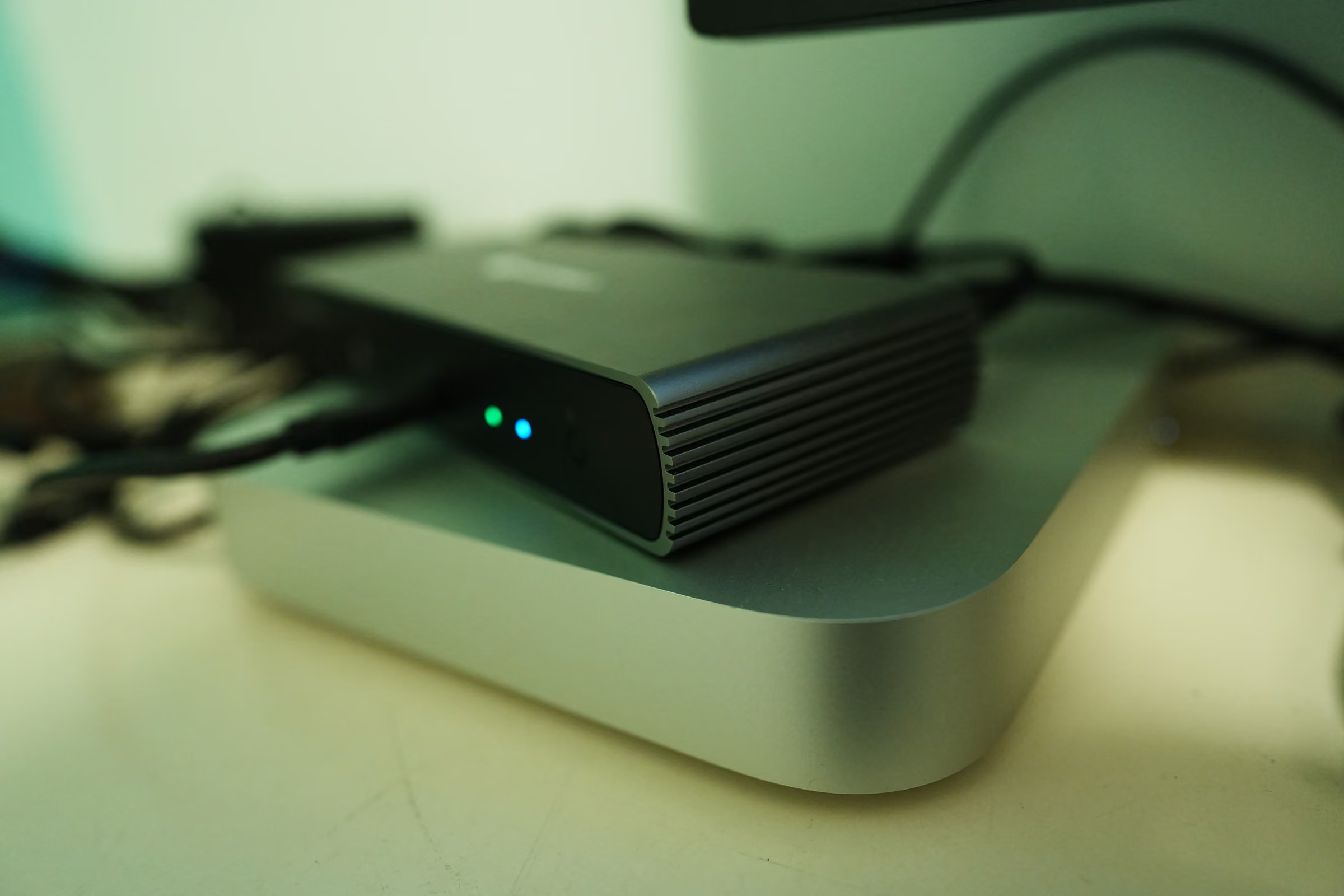
A laptop sleeps when you close it. To run something at dawn you need a separate machine that’s always awake. I keep one Mac mini on all the time, on constant power, and use it as the automation host. At a set hour a cron wakes an agent. It builds the brief and the reports, then commits and pushes them to the repo.
The interactive work, where I sit and write code or prose, I do on a working MacBook. The two machines never see each other directly. They meet only through a single git repo. What the Mac mini leaves overnight, the MacBook pulls down in the morning.
The agent starts from a blank slate every time, so how do you give it context?
You have it read and write the repo. A git-synced personal wiki is the shared memory of both machines.
Unlike a person, an agent doesn’t remember what it decided yesterday. It wakes up every time knowing nothing. So I give it context as files. My repo is where the personal wiki from the last post and my PARA notes live together. The agent reads the pages it needs there and uses them as evidence.
This repo is the center of the automation. The Mac mini’s crons and the MacBook’s interactive work both end up reading and writing the same repo. One repo is the shared state and the shared memory of both machines. Add a new machine and one clone gives it the same context.
How do you reuse the same automation across several devices?
You write the procedure as a ‘skill’ file and distribute it over git. You don’t retype the prompt each time.
Repeated procedures like how to build the brief or how to pull the priorities are the kind of thing you want to use again once you’ve written them well. Instead of retyping them each time, I nail them down as files. I make each of these procedures into a unit called a skill and keep it inside the repo.
Because the skills live in the repo, git distributes them to both machines identically. The skill the Mac mini’s cron calls and the skill I call on the MacBook are the same file. Fix the procedure in one place and both machines change together. Not scattering prompts across your head and a notepad. That’s all reuse is.
Do you unify on one agent, Claude or Codex?
No, I don’t. Unattended crons run on Codex, and interactive work runs Claude Code and Codex together.
There’s a temptation to settle on one tool. But there was no real reason to. The crons that run unattended at dawn I leave to Codex. It’s a good fit for running a fixed procedure with no one in the loop. The interactive work I sit over, like coding and writing, runs Claude Code and Codex together on one screen, through an orchestrator called cmux. I draft with one and hand review or the heavy lifting to the other.
Just as the personal wiki in the last post didn’t replace every note, the automation doesn’t unify on one tool. The work you hand off unattended and the work you keep in hand are different, and so are the tools that fit them.
What actually comes of building it this way?
What clearly worked is the dawn output. With the brief and the priorities already made by morning, the time I used to spend deciding what to look at first is gone. Tying it all to one repo worked better than expected too. Context follows me from machine to machine, and adding a new machine costs one clone.
The weak links were elsewhere. Once I’d chained several crons, a stalled upstream job would quietly skip the downstream job that processes its output. On those days the output is empty, or yesterday’s is still sitting there. Git sync failed now and then too. Git is the only path connecting the two machines, so when it jams, what was made at dawn never reaches the morning machine. The real risk in an unattended pipeline isn’t the individual jobs. It’s the connections and the sync between them.
If I were rebuilding personal automation, I’d order it like this. I don’t start by picking a tool. I decide first what to hand off unattended and what to keep in hand. Then I write the work to hand off as skills and put them on a machine that’s always awake. And from the start I build in something that makes failures visible, so a stalled job or a broken sync gets noticed right away.
In the end personal automation wasn’t about bolting on a few tools. It was about deciding what to take off my hands each day. The results of what I handed off are in the repo every morning. I don’t ask. I only check.